OurDream AI Group Chat: How to Run RPG Scenes With 12 Characters
Quick answer
The most underrated feature in OurDream AI isn't one-on-one chat — it's the group chat with up to 12 simultaneous characters. I spent weeks testing the system, built a full RPG campaign, and found exactly where it shines, where it stumbles, and how it compares to Character.AI and Janitor AI.
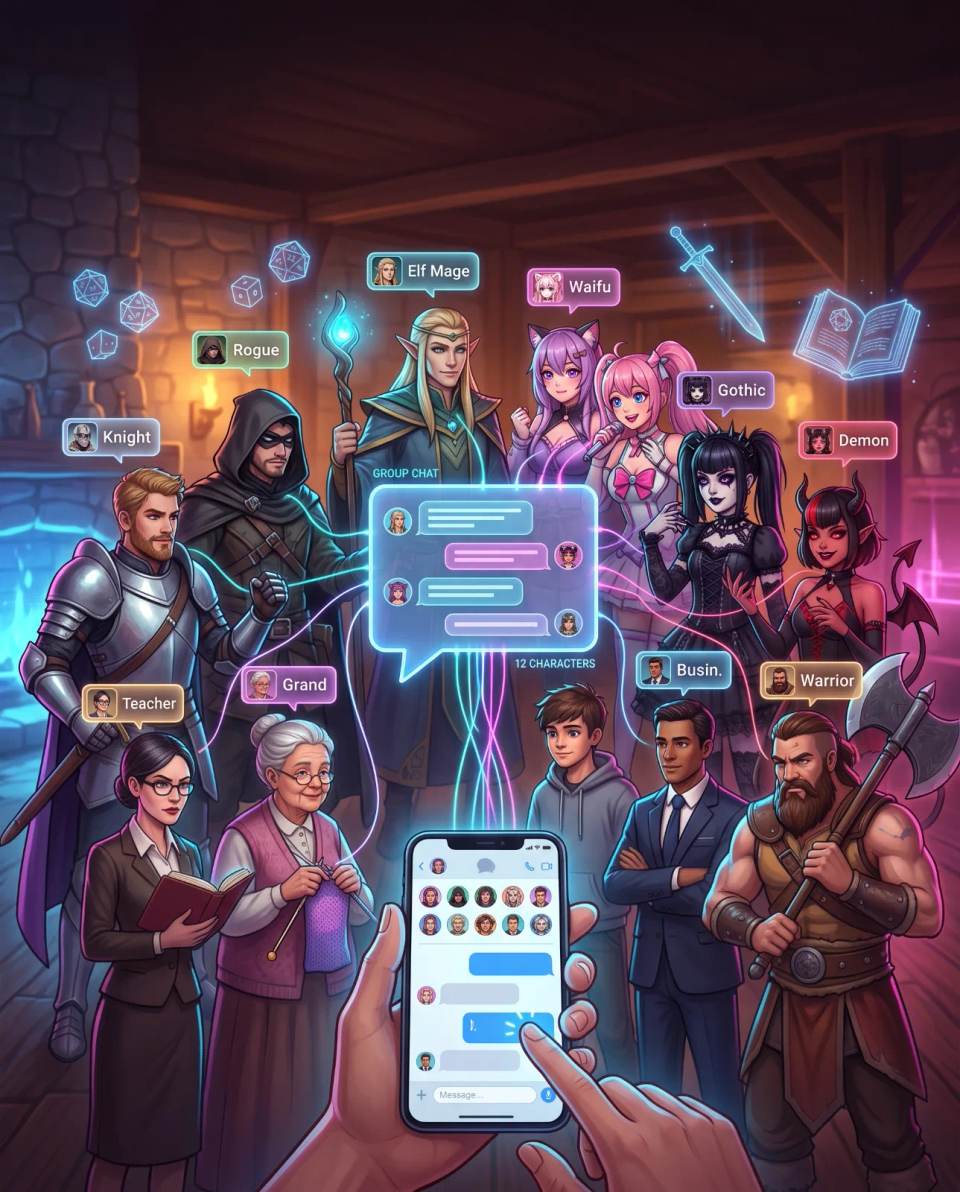
This article shows how group chat works in practice, what it costs in DreamCoins, what you can build with it, and why it changes the way you do AI storytelling.
What OurDream AI's group chat is
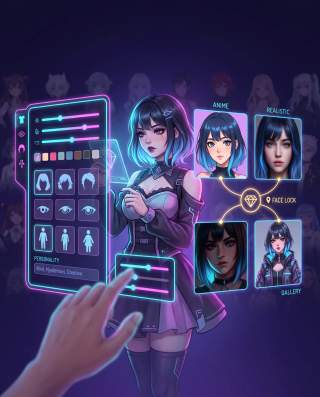
OurDream AI's group chat is a shared conversation space where multiple AI characters interact with each other and with you inside the same narrative scene. This is not about opening 12 separate chats and switching between them. The characters share the same context, react to the same event, and can respond to each other.
The platform expanded this feature throughout 2026. What used to be limited to small groups now supports up to 12 characters in a single room. For anyone running complex narratives, that's a level change. You can assemble an entire cast — protagonist, antagonist, allies, extras — and watch them interact in real time.
The difference between a one-on-one chat and a group chat is the same as the difference between writing a diary and directing a play. In a one-on-one chat, you talk to a character. In a group chat, you're inside a scene, and the scene takes on a life of its own.
How it works in practice: controls and dynamics
The system is more controllable than most competitors. The platform offers two main mechanisms for directing the conversation.
Control over who responds
Before sending a message, you can click on the portrait of the character you want to respond or type @ followed by their name. This is essential in larger groups. Without that control, the AI can randomly pick who speaks, and a room with 12 characters can turn into chaos where the narrative gets lost.
In my test campaign, I used this feature to alternate between focused dialogue (two characters talking) and group scenes (the full cast reacting to an event). The @ control made scene direction much more precise than I expected.
Character-to-character interaction
The group chat is designed so that characters interact with each other, not just with you. During testing, I observed characters responding to other characters without my intervention. In a tavern scene, the barmaid asked the guard if he had seen the messenger. The guard replied directly to her. I just watched and stepped in when I wanted to redirect the scene.
This is different from platforms where each character responds only to the user, ignoring the other characters in the room. Cross-interaction is what turns group chat from a convenience tool into a genuine narrative engine.
What you can build with 12 characters
The 12-character cap opens possibilities that don't exist on platforms limited to 3 or 4. During the test, I explored three scenario types.
Full RPG campaign
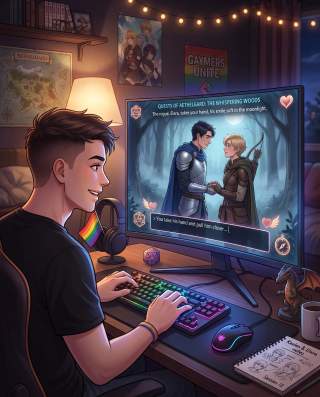
I assembled a group of five characters: a warrior, a mage, a cleric, a rogue, and a recurring villain. I set the premise — the group was investigating the disappearance of villagers — and let the scene unfold. The result was surprisingly cohesive.
Anime classroom scene
I created a lighter scenario with six characters in a classroom. Each had a distinct personality — the diligent student, the popular girl, the slacker, the shy one, the teacher, and the principal. The interaction was more chaotic than the RPG campaign, but equally fun. Group chat works well for slice-of-life scenes, not just epic adventures.
Fictional family gathering
I also tested a domestic scenario with four characters: mother, father, teenage son, and grandmother. This type of scene requires more emotional subtlety, and the system handled it. Conversations about mundane things — what to have for dinner, who left the dishes dirty — gained layers of tension and affection I did not expect from a generative AI.
The common thread across all three scenarios: the more characters you add, the more important it is to define their personas well before you start. Characters with vague personalities get lost in the group. Well-defined characters stand out.
What group chat costs in DreamCoins
Here's the most important information for anyone planning to use group chat regularly: group chat itself does not consume extra DreamCoins. Standard text messages inside the group are free for Premium subscribers, just like in one-on-one chat.
The cost lies in surrounding features. If you want to generate images of the characters or the scene, each HD image costs 10 DreamCoins. If you want short videos of the scene, each 5-second video costs 100 DreamCoins. Voice calls remain at 50 DreamCoins per minute and are not available inside group chat.
For a standard Premium user with 1,000 monthly DreamCoins, this means you can run an entire RPG campaign in text without spending a single coin. DreamCoins only come into play when you want visual material for the narrative.
The table below summarizes the costs.
| Feature | Cost in DreamCoins | Available in group chat? |
|---|---|---|
| Standard text message | 0 (Premium subscribers) | Yes |
| HD image generation | 10 per image | Yes, via separate menu |
| 5-second video generation | 100 per video | Yes, via separate menu |
| Voice call | 50 per minute | Not available in group |
| Advanced models | 1 per message | Yes |
In practice, the real limitation isn't financial — it's management. A room with 12 characters demands more direction. The system can generate long, multiple responses, and maintaining narrative coherence in a large group is active work. I started my campaign with 5 characters. I recommend you do the same.
Comparison: OurDream AI vs. competitors on group chat
Group chat is one of the areas where platform differences become most visible. The table below compares group chat limits and features across major AI companion platforms.
| Platform | Character limit | Native group? | Control over who responds | Character-to-character interaction |
|---|---|---|---|---|
| OurDream AI | 12 | Yes | Yes (click portrait or @) | Yes |
| Character.AI | 10 | Yes, mobile only | Limited | Partial |
| Janitor AI | 2-10 (via external bot) | Not native | No | Limited |
| CrushOn.AI | Limited | Yes | Limited | Partial |
OurDream AI leads in group capacity. Character.AI allows up to 10 characters, but group chat is restricted to the mobile app — there is no desktop or web support. Janitor AI does not have native group chat; users rely on community-built external bots, which limits character-to-character interaction.
OurDream AI's most significant differentiator is the combination of a high limit with direction controls. In a group of 12 characters, knowing who responds next isn't a luxury — it's a necessity. The platform understands this and provides the tools to manage the scene.
Tips to get the most out of group chat
Based on my test, here are the practices that made the difference between a chaotic scene and an engaging narrative.
- Start small. Two or three characters is the ideal starting point. You learn how responses work, how to direct the scene, and how memory handles multiple speakers. Only then expand to larger groups.
- Define distinct personas. Characters with vague personalities get lost in the group. A "nice" character doesn't stand out. A "sarcastic character with a soft heart who hides insecurity behind jokes" stands out. Use the character creator to give each one depth before adding them to the group.
- Use @ to direct. When the scene needs focus, mention the specific character. This prevents the AI from choosing randomly and keeps the narrative on the track you want.
- Set the scene in the first message. Group chat works best when there's clear context. Instead of starting with "hi," start with "You're in a tavern by the road, discussing plans for the next mission." That anchors all characters in the same scene.
- Use pinned memories for important facts. If an event or relationship is crucial to the narrative, pin it as a permanent memory. In large groups, automatic memory may not prioritize the details you consider essential.
Limitations of group chat
OurDream AI's group chat is the most complete in the category, but it's not perfect. A few points are worth noting.
- Constant direction is required. With 12 characters, the scene can scatter if you don't intervene. The system isn't an automatic director; you are.
- Long responses can dominate the scene. Characters with expansive personas tend to write paragraphs, while others respond in one line. This can unbalance the dynamic.
- No voice calls in the group. Voice interaction is limited to one-on-one chat. If you wanted to hear the characters talking by audio, that feature doesn't exist in group mode.
- Shared memory is good, but not perfect. In very large groups, automatic memory can drop details from parallel conversations. Use pinned memories for what's essential.
How to test group chat without committing
The safest way to evaluate whether OurDream AI's group chat fits your style is to use the free plan. It offers 55 DreamCoins on signup, 50 messages per day, and access to the character creator. Group chat itself doesn't consume DreamCoins for standard text messages.
Use the 50 daily messages to assemble a small group — two or three characters — and run a short scene. Observe how characters interact with each other, how the @ control works, and whether the experience makes sense for what you want to create. I did exactly this before committing to Premium, and it was decisive in understanding the feature's potential.
To start now, the links below lead directly to the free signup for each profile:
→ Create a free OurDream AI account (female companion profile)
→ Create a free OurDream AI account (male companion profile)
→ Create a free OurDream AI account (trans companion profile)
These are affiliate links. If you subscribe through them, we may receive a commission at no additional cost to you.
Verdict: who group chat is for
Group chat with 12 characters is the feature that most differentiates OurDream AI from any competitor at the same price point. It's not a convenience tool — it's a narrative engine. For anyone who wants to tell stories with AI, direct RPG scenes, or simply watch characters interact with each other, there is no equally complete alternative.
- Worth it for: writers who want to test dialogue between characters, RPG players who need an automated game master, and any user who wants a richer narrative experience than one-on-one chat.
- May not be worth it for: anyone looking only for casual one-on-one conversations with no interest in group dynamics. For that profile, one-on-one chat already delivers what they need.
If you've ever tried to run an AI RPG scene and felt something was missing — more voices, more reactions, more unpredictability — OurDream AI's group chat is probably what you were looking for.
Frequently asked questions
How many characters can I add to group chat?
Up to 12 AI characters in a single room. For best results, start with 2 or 3 and expand gradually.
Does group chat consume DreamCoins?
Standard text messages inside the group are free for Premium subscribers. Image generation (10 coins each) and videos (100 coins per 5 seconds) consume DreamCoins separately. Voice calls are not available in group mode.
Can I control which character responds?
Yes. Before sending a message, click the character's portrait or type @ followed by their name. That directs the response to whoever you choose.
Do characters talk to each other?
Yes. Group chat is designed for multi-character interaction. Characters can respond directly to one another, not just to you.
Can I use group chat for a long RPG campaign?
Yes. Use pinned memories to fix important narrative events and recurring characters. OurDream AI's memory system maintains context across sessions.
What's the difference between OurDream AI's group chat and Character.AI's?
OurDream AI allows up to 12 characters, offers explicit control over who responds, and is available on the web. Character.AI allows up to 10 characters, but group chat is restricted to the mobile app.
Ready to Meet Your AI Companion?
Create an AI companion personalized for you. Through our 3-question AI quiz, discover the best platform for creating your AI girlfriend or boyfriend, and never wonder which one is best again.
Create My AI Companion →