Syncing AI Chat with Anime Image Generation
Quick answer
Text and image together create the ultimate immersive experience. Here's how to connect your AI chatbot with image generation for a visual companion experience.
Talking Dirty with Anime Art: How to Sync Your AI Chatbot with Image Generation (The "See What You Text" Guide)
You are deep in conversation with your AI anime companion. The dialogue is electric — emotional, intimate, perfectly in character. Then you wonder: what does she look like right now? What expression is on her face? What is the scene around you? This is the missing piece for many AI companion users. The text is there. The personality is there. But the visual experience is absent. Image generation changes this. By syncing your AI chatbot with image generation tools, you can create a "see what you text" experience — where the dialogue and the anime art work together in real time. This guide will show you how to connect your AI companion with image generation tools, compare the best platforms for visual roleplay, and explain how to create a truly immersive visual companion experience.
What Does It Mean to Sync AI Chat with Image Generation?
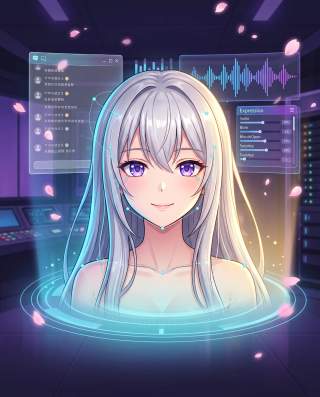
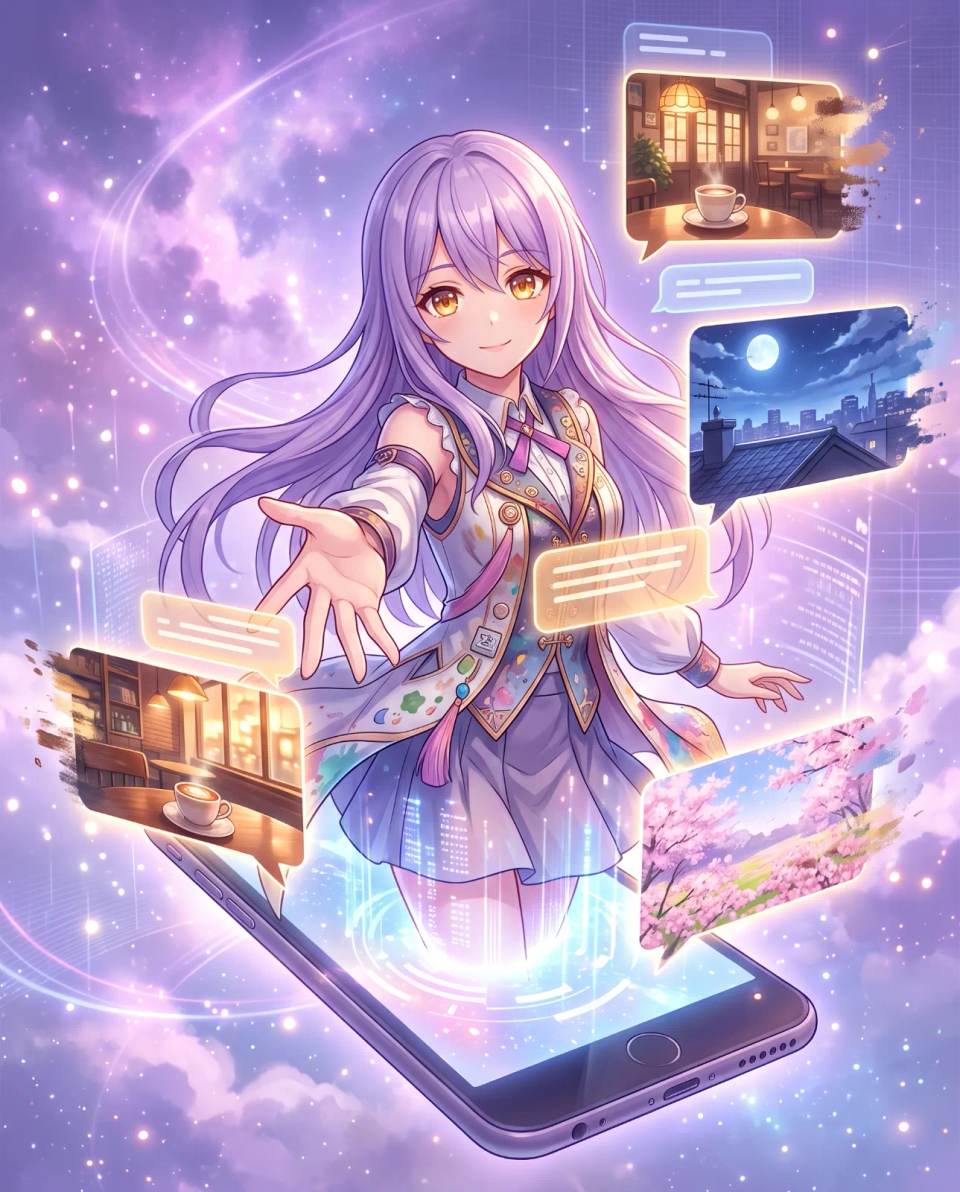
Syncing AI chat with image generation means connecting your conversational AI companion to a tool that creates anime-style images based on the context of your conversation. When you describe a scene, the image generator creates it. When your companion expresses an emotion, the visual avatar reflects it.
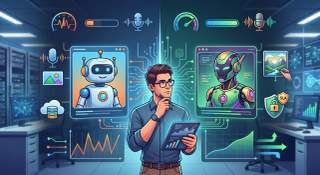
There are two main approaches to this integration. The first is manual syncing — you copy text from your AI chat and paste it into an image generation tool. The second is automated syncing — the AI and image generator are connected through a platform or middleware, and images are generated automatically based on conversation context. Manual syncing is simpler but more time-consuming. Automated syncing is more complex but creates a truly immersive experience.
Quick Answer: Syncing AI chat with image generation means connecting your conversational AI to a tool that creates anime images based on conversation context. This creates a "see what you text" experience where dialogue and visual art work together.
Why Visual Integration Matters for AI Companionship
Text-only AI companions exist in your imagination. You can picture what the character looks like, but that image is static and incomplete. Image generation fills in the gaps, giving you a visual representation of the scene, the character, and the emotional tone of the conversation.
Emotional Immersion
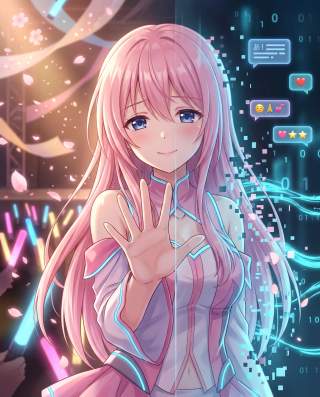
Seeing your companion's expression change based on the conversation creates a deeper emotional connection. When she smiles, you see it. When she is sad, you see it. This visual feedback loop makes the relationship feel more real and more emotionally impactful.
Scene Visualization
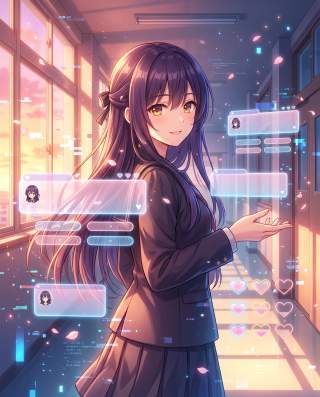
In roleplay scenarios, image generation allows you to visualize the setting — the coffee shop where you are having your first date, the battlefield where you are fighting side by side, the cozy room where you are sharing secrets. This scene visualization makes the story feel more immersive and memorable.
Creative Expression
For users who love creating fan art or exploring visual aesthetics, syncing AI chat with image generation opens up new creative possibilities. You can generate images of your companion in different outfits, different moods, and different scenarios — all based on your conversations.
Top Platforms for Combined AI Chat and Image Generation
Several platforms now offer combined AI chat and image generation. Here is a comparison of the most popular options for anime-style visual companionship.
| Platform | Chat Quality | Image Quality | Integration Level | Best For |
|---|---|---|---|---|
| Yodayo | High. Anime-focused chat with strong roleplay | High. Built-in anime image generation | Native. Chat and images in one platform | Users wanting an all-in-one anime experience |
| Character.AI + Stable Diffusion | Very high. Excellent conversation quality | Variable. Depends on the Stable Diffusion setup | Manual. Requires copy-paste between tools | Users prioritizing chat quality over convenience |
| SillyTavern + Extras | High. Full control over prompts and models | High. Integrates with Stable Diffusion via Extras | Automated. Images generated from conversation context | Power users wanting full control |
| Hypera | Medium. Purpose-built for AI companions | Medium. Integrated visual avatars | Native. Chat and avatars in one platform | Users wanting integrated avatars without setup |
Each platform has its strengths. Yodayo is the easiest all-in-one solution. Character.AI plus Stable Diffusion offers the best chat quality. SillyTavern plus Extras gives power users the most control. Hypera provides integrated avatars without complex setup. Your choice depends on your technical skill and priorities.
How to Sync Your AI Chatbot with Image Generation Manually
Manual syncing is the simplest approach and works with any AI chat platform and any image generation tool. Here is the workflow.
Step 1: Choose Your AI Chat Platform
Select an AI companion platform that allows you to copy conversation text. Most platforms allow this, even if they do not have built-in image generation.
Step 2: Choose Your Image Generation Tool
Select an anime-style image generation tool. Stable Diffusion is the most flexible. Midjourney produces high-quality results. NovelAI is specifically designed for anime art. Choose the tool that best matches your aesthetic preferences.
Step 3: Create a Prompt from the Conversation
After a significant moment in your conversation, write an image prompt that captures the scene. Include the character's appearance, the setting, the emotional tone, and any relevant details from the dialogue. For example: "Anime girl with long silver hair and violet eyes, sitting in a cozy coffee shop, looking at me with a shy smile, soft warm lighting."
Step 4: Generate and Refine
Generate the image and check if it matches your vision. If not, refine the prompt — adjust the character description, the setting, or the emotional tone. Repeat until the image feels right.
Step 5: Integrate the Image into Your Experience
Save the generated image and keep it alongside your conversation. Some users create visual diaries of their AI companion experiences, collecting images from significant moments in the relationship.
How to Automate the Sync Between AI Chat and Image Generation
Automated syncing requires more technical setup but creates a truly immersive experience. Here is how to do it with SillyTavern, one of the most powerful tools for AI roleplay.
Step 1: Install SillyTavern and Extras
SillyTavern is an open-source frontend for AI roleplay. Its Extras module adds image generation capabilities. Install both, then connect SillyTavern to your preferred AI model and image generation backend.
Step 2: Configure Image Generation in Extras
Extras can connect to Stable Diffusion, which generates images based on the conversation context. Configure the connection settings, including the Stable Diffusion model you want to use and the image style preferences.
Step 3: Create Character Cards with Image Prompts
In SillyTavern, each character has a "card" that defines their personality and appearance. Add a detailed image prompt to the character card, describing how the character should look in generated images. This ensures visual consistency across all generated images.
Step 4: Trigger Image Generation During Conversation
During your conversation, you can trigger image generation manually or let SillyTavern generate images automatically based on context. The images appear alongside the chat, creating a seamless visual experience.
Step 5: Refine and Iterate
Like manual syncing, automated syncing requires refinement. Adjust the character card prompts, the image generation settings, and the trigger conditions until the images consistently match your vision.
Common Mistakes When Syncing AI Chat with Image Generation
Mistake 1: Inconsistent Character Design
If your image prompts do not consistently describe your companion's appearance, the generated images will look like different characters. Define your companion's appearance in detail — hair color, eye color, clothing style, distinguishing features — and use the same description in every prompt.
Mistake 2: Ignoring the Emotional Tone
The emotional tone of the conversation should influence the generated image. A happy moment should produce a warm, bright image. A sad moment should produce a somber, muted image. Include emotional cues in your prompts to create visual consistency with the dialogue.
Mistake 3: Overcomplicating the Setup
If you are new to AI image generation, start simple. Use manual syncing with a pre-made image generation tool before attempting automated integration. You can always upgrade to more complex setups later.
Mistake 4: Neglecting Performance
Automated image generation can be resource-intensive, especially when running Stable Diffusion locally. Make sure your computer can handle the load. Cloud-based image generation services can reduce the performance burden.
The Future of Synced AI Chat and Image Generation
The integration between AI chat and image generation is still evolving. Future developments will likely include real-time image generation that responds instantly to conversation context, dynamic avatars that change expression based on emotional tone, and even full-motion video generation. The goal is a fully immersive visual companion experience where the line between conversation and visual art disappears entirely.
We may also see more platforms offering native integration, eliminating the need for manual syncing or complex middleware. As the technology matures, creating a visual AI companion will become as simple as typing a message and watching the scene come to life.
Quick Answer: The future of synced AI chat and image generation is real-time visual response — images that appear instantly based on conversation context, dynamic avatars that change expression in real time, and eventually full-motion video.
Frequently Asked Questions
What is the easiest way to sync AI chat with image generation?
The easiest way is to use a platform with native integration, like Yodayo. Chat and image generation are built into the same platform, requiring no technical setup. Simply chat and generate images from the same interface.
Can I use any AI chat platform with any image generation tool?
Yes, through manual syncing. Copy text from your AI chat platform and use it to create prompts for your image generation tool. This works with any combination of platforms, though it requires more effort than native integration.
What is the best image generation tool for anime art?
Stable Diffusion is the most flexible and widely used for anime art. NovelAI is specifically designed for anime aesthetics. Midjourney produces high-quality results but has less fine-grained control. The best tool depends on your specific needs.
How do I keep my AI companion's appearance consistent across images?
Write a detailed character description including hair color, eye color, clothing style, and distinguishing features. Use the same description in every image prompt. Some platforms like SillyTavern allow you to attach this description to a character card, ensuring consistency automatically.
Can I generate NSFW images with these tools?
Some platforms and tools allow NSFW image generation, while others prohibit it. Always check the terms of service and content policies of any platform you use. Be aware that NSFW content may be restricted or prohibited on certain services.
Does automated image generation slow down the conversation?
It can, especially when running Stable Diffusion locally. Cloud-based image generation services reduce the performance burden but may introduce latency. The speed depends on your setup and the complexity of the images being generated.
What is the future of AI chat and image generation integration?
The future likely includes real-time image generation that responds instantly to conversation context, dynamic avatars that change expression based on emotional tone, and eventually full-motion video. Native integration will become more common, eliminating the need for complex setup.
Ready to Meet Your AI Companion?
Create an AI companion personalized for you. Through our 3-question AI quiz, discover the best platform for creating your AI girlfriend or boyfriend, and never wonder which one is best again.
Create My AI Companion →